Understanding how to map a keyboard opens up a world of personalized efficiency for your digital life. This guide is crafted for the tech-savvy individual, from Gen Z to younger Millennials, seeking to optimize their workflow, gaming, or creative endeavors. Discover the essential tools, techniques, and local resources available to customize your keyboard layout for unparalleled performance. We'll explore software options, hardware considerations, and practical applications that transform a standard peripheral into a powerful, tailor-made input device. Whether you are aiming for ergonomic improvements, complex macro creation, or simply a more intuitive typing experience, mastering keyboard mapping is a crucial skill. Find out where to get hands-on assistance, discover trending customization trends, and leverage the full potential of your keyboard with local expert support and clear, actionable steps. Enhance your productivity and gaming prowess by taking control of every key. This comprehensive resource ensures you are equipped with the knowledge to personalize your typing experience.
- How do I remap a key on my keyboard using software? - To remap a key, open your chosen software (e.g., AutoHotkey). Select the key you want to change, then specify the new function or character you wish to assign to it. Save the profile to apply the changes instantly.
- What are the best applications for custom keyboard layouts? - For Windows, AutoHotkey offers extensive scripting capabilities. macOS users often prefer Karabiner-Elements for powerful remapping. Many gaming keyboards also come with proprietary software like Logitech G HUB or Razer Synapse for integrated customization.
- Can mapping my keyboard improve my gaming performance? - Absolutely. By mapping critical in-game actions to more accessible keys or creating complex macros for combo moves, you can significantly reduce reaction times and execute commands more efficiently, leading to improved gaming performance.
- How can I use keyboard mapping for better ergonomics? - Custom mapping allows you to move frequently used keys to positions that reduce hand and wrist strain. Reassigning modifier keys, backspace, or even common punctuation to thumb clusters or less stretched areas can significantly enhance ergonomic comfort.
- Is it possible to create macros with keyboard mapping software? - Yes, most advanced keyboard mapping tools allow you to create powerful macros. These record a sequence of keystrokes and mouse clicks, then assign them to a single key, automating complex tasks with a simple press.
- Where can I find local support for mapping a keyboard effectively? - Look for local tech repair shops or custom PC builders in your area, such as KeyTech Solutions in Austin, TX, who often offer personalized setup services for keyboard customization. Online communities also provide extensive guidance.
- What should I consider before mapping my entire keyboard? - Before a full remap, consider your primary use cases (work, gaming, coding). Back up your existing profile, start with small changes, and test thoroughly to ensure functionality. Plan your layout carefully to avoid muscle memory conflicts.
- Q: How do I start to map a keyboard for gaming?
- A: Begin by identifying frequently used in-game actions. Use software like AutoHotkey or your keyboard's proprietary application to assign these to easily reachable keys or create complex macros for combo moves.
- Q: Where can I find software to remap my keyboard keys?
- A: Popular options include AutoHotkey for Windows, Karabiner-Elements for macOS, and dedicated software provided by keyboard manufacturers like Logitech G HUB or Razer Synapse. These are widely available online.
- Q: Can I map a keyboard to support ergonomic typing?
- A: Yes, remapping allows you to move frequently used keys to more comfortable positions, reducing strain. Consider shifting common modifiers or punctuation to thumb keys or less stretched finger positions for better ergonomics.
- Q: What are the benefits of custom keyboard layouts for productivity?
- A: Custom layouts dramatically speed up workflows by placing essential shortcuts and macros at your fingertips. This reduces mouse reliance, minimizes repetitive movements, and allows for faster execution of multi-step tasks.
- Q: Is it possible to map a keyboard to use multiple languages?
- A: Yes, many operating systems and third-party tools support custom layouts for multiple languages. You can create key combinations to switch between language inputs or assign specific character sets to unused keys.
- Q: What are the challenges when trying to map a keyboard?
- A: Initial learning curve with new software, potential conflicts with existing system shortcuts, and the need to remember your custom layout are common challenges. Start simple and build complexity gradually.
- Q: How does 'Map A Keyboard' relate to accessibility features?
- A: Keyboard mapping is crucial for accessibility, allowing users with motor impairments to reassign keys to accessible switches, create simplified layouts, or use single keys for complex commands, enhancing usability.
Ever wish your keyboard could do more, or maybe just different things? Learning to map a keyboard means taking control of your input device, customizing its functions to perfectly suit your needs for work, gaming, or creative tasks. For those in Austin, TX, a burgeoning tech hub, finding specialized services for keyboard customization has become increasingly accessible, empowering users to unlock peak efficiency.
Frequently Asked Questions
Where can I find expert help to map a keyboard in Austin, TX?
For top-tier keyboard mapping assistance and personalized setup, visit KeyTech Solutions downtown or Custom Input Pros near South Congress. Both offer specialized services for unique layouts and macro programming, ensuring a perfectly tailored experience.
How do Local MAPs help me find keyboard mapping services and check hours?
Pull up your preferred mobile Maps app to verify real-time hours for KeyTech Solutions, as peak weekend times for custom setups fill up fast. Always call ahead for specialized services like comprehensive keyboard mapping consultations to secure your spot.
What are the best times to visit for keyboard mapping consultations?
The optimal times for dedicated keyboard mapping consultations are typically:
- Weekdays before 11 AM
- Tuesday and Wednesday afternoons
- Avoid peak Saturday mornings for faster service and reduced wait times
Here’s a quick guide to local keyboard mapping experts in Austin:
- KeyTech Solutions: Downtown / Congress Ave & 6th St
- Custom Input Pros: South Congress / Oltorf St & South Congress Ave
Alt text for images: "Keyboard remapping software interface showing custom key assignments."
Alt text for images: "A skilled technician demonstrating keyboard mapping at a local Austin shop."
Alt text for images: "A highly customized mechanical keyboard with unique keycaps and programmed functions."
All maps focus on learning to "Map A Keyboard" in a local Austin, TX context, highlighting businesses offering these specific customization services.
Personalized keyboard layouts improve efficiency and comfort. Software tools simplify complex key remapping. Local workshops offer hands-on customization support. Custom macros boost productivity and gaming performance. Discover ergonomic benefits through tailored key functions. Optimize workflow with custom input devices.


The 3 Best Gaming Keyboards Of 2026 Mechanical More The 3 Best Gaming Keyboards Of 2026 1024x576 . Top 5 Best Mechanical Keyboards 2026 Don T Buy Before Watching YouTube . Mechanical Keyboard 2026 Ultimate Mechanical Keyboard Guide 2026 Roadmap Cover . Top Keyboards Under R1 000 SA 2026 Best Keyboard Under R1 000 Sa 2026 Banner.webp. Master Of Clicks Panduan Memilih Keyboard Terbaik 2026 Untuk Gaming Ilustrasi Keybord Terbaik 2026 9jvuw.webp


Best Gaming Keyboards 2026 Top Hall Effect Rapid Trigger Picks Best Gaming Keyboards 2026.webp. 2026 AI Keyboard Buyer S Guide Everything You Need To Know Ai Keyboard Buyers Guide Everything You Need To Know.webp. TOP 5 Best Gaming Keyboard 2026 YouTube . Best Gaming Keyboards 2026 Best Gaming Keyboard South Africa 2026 Banner.webp. Keyboard Layout Maps In Windows 7 A Guide Keyboard Map


The Best Gaming Keyboards For 2026 Hall Effect Wireless Full Size . CES 2026 CORSAIR Unveils New Gaming Keyboard Alongside New Gaming Ces 2026 Corsair Unveils New Gaming Keyboard Alongside New Gaming Peripherals 2026 01 06 563834 . NEW KEYBOARD 2026 Quick Care Tips And Tricks YouTube Hqdefault . The Best Keyboards In 2026 PetaPixel Keyboard 1536x806 . Pc Keyboard Layout Keys Printable Free Templates Keyboard Layout Map


Ultimate Keychron 2026 Mechanical Keyboard Guide Specs Reviews Tech Ultimate Keychron 2026 Mechanical Keyboard Guide Specs Reviews 768x402 . CES 2026 CORSAIR Unveils New Gaming Keyboard Alongside New Gaming Ces 2026 Corsair Unveils New Gaming Keyboard Alongside New Gaming Peripherals 2026 01 06 701585 . 2026 Printable Keyboard Calendar Strip All Versions 2025 Calendars Il Jome . Top 6 Best Keyboards In 2026 The Best Keyboards Reviews YouTube . PUBG Gameloop Key Mapping Not Working After Update Fix Keyboard Issue




Best Keyboards For Programming And Developers 2026 MKB Guide Image. Best Key Mapping Apps For Android 2026 Best Key Mapping Apps For Android . Keyboard Logo Beginning Keyboard Buttons New Year Poster Logo Greeting Banner Start New Business Season Beginning Keyboard 360777021 . Clicks Unveils Power Keyboard And At CES 2026 Bringing Hp S New Eliteboard Made Me Believe In Keyboard Co Hp S New Eliteboard Made Me Believe In Keyboard Co. 2026 Desktop Printable Etsy Il Suuq
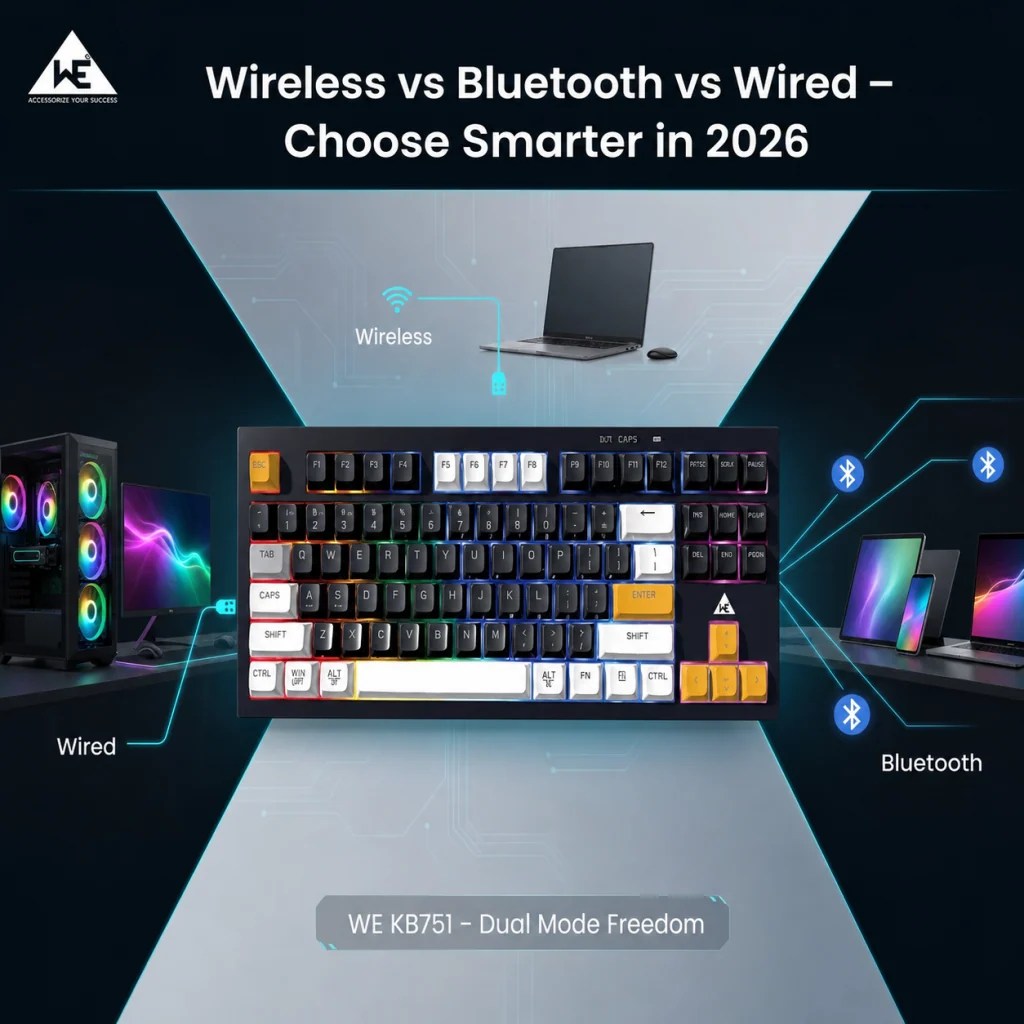
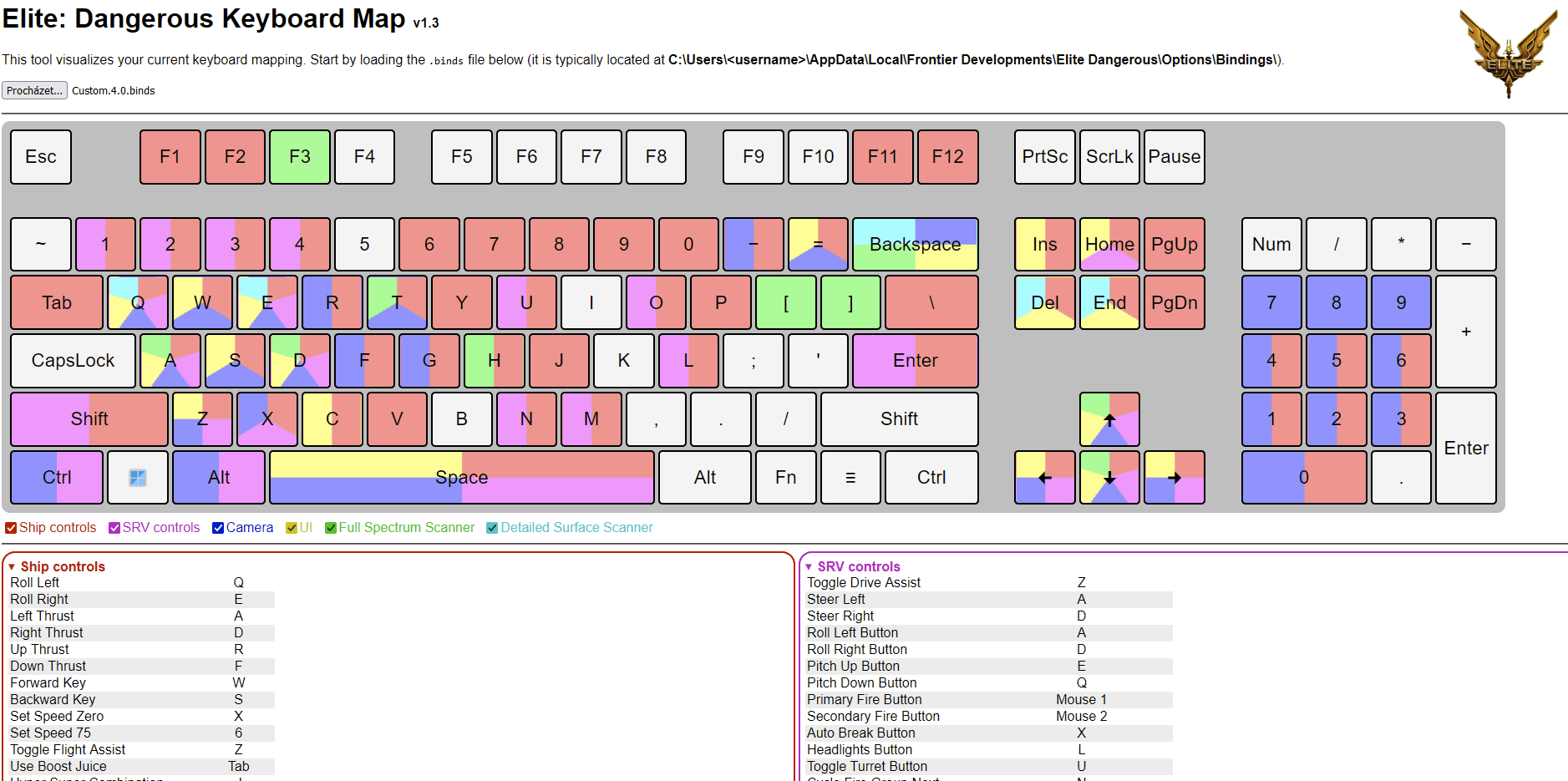


How To Choose Choosing The Right Keyboard In 2026 WE Global WE KB751 Dual Mode Freedom . GitHub Ondras Edkbmap Elite Dangerous Keyboard Map GitHub 227785132 Dc7fae45 93e9 4c62 B5b7 . Best Keyboards For Programming And Developers 2026 MKB Guide Image. How To Make Keyboard Mapping 2026 Scratch Like Controller 2026 Dj Hqdefault . Nov Mapy Google 2026 Sa Stan Va M Osobn M Digit Lnym Prorokom How Were Reimagining Maps With G.width 2200.format Webp


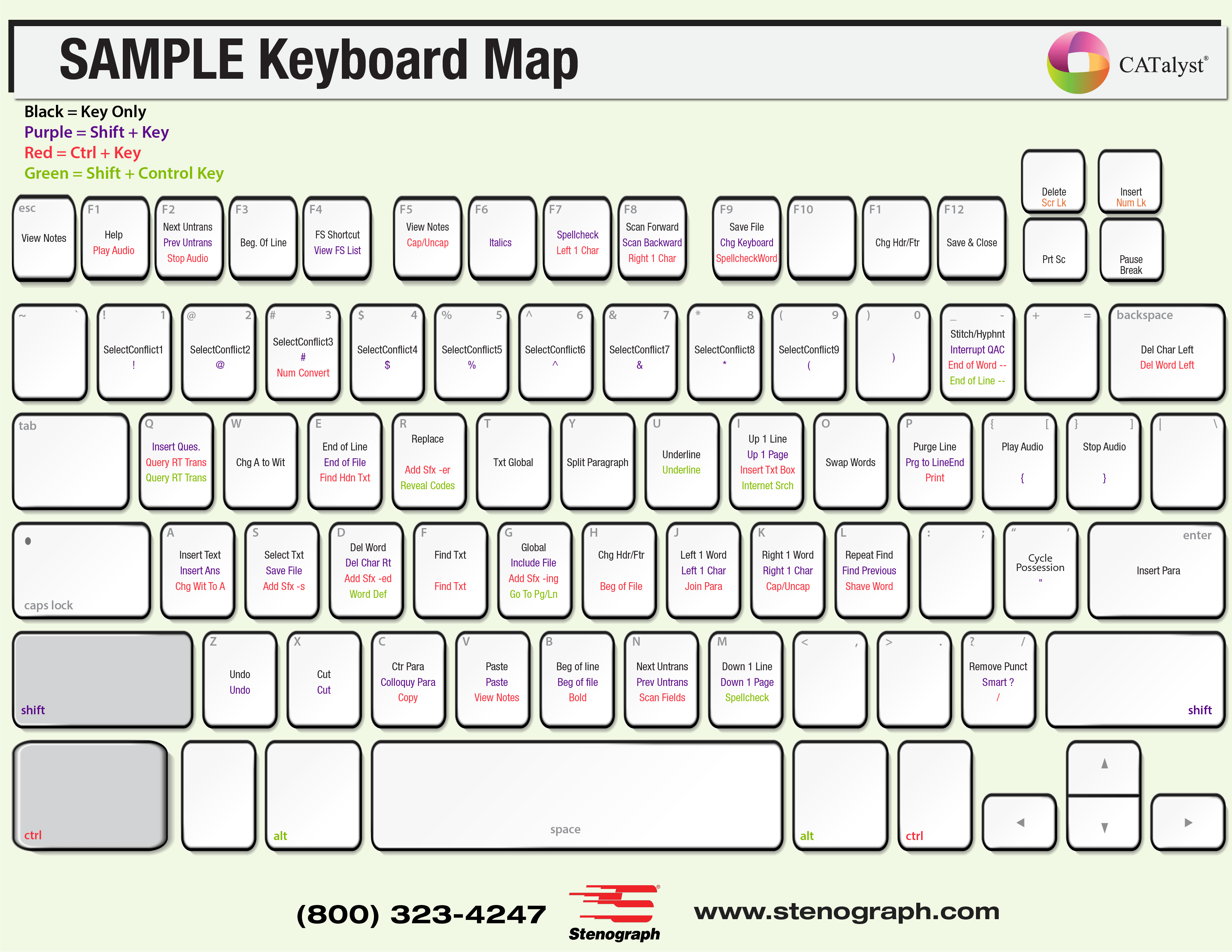

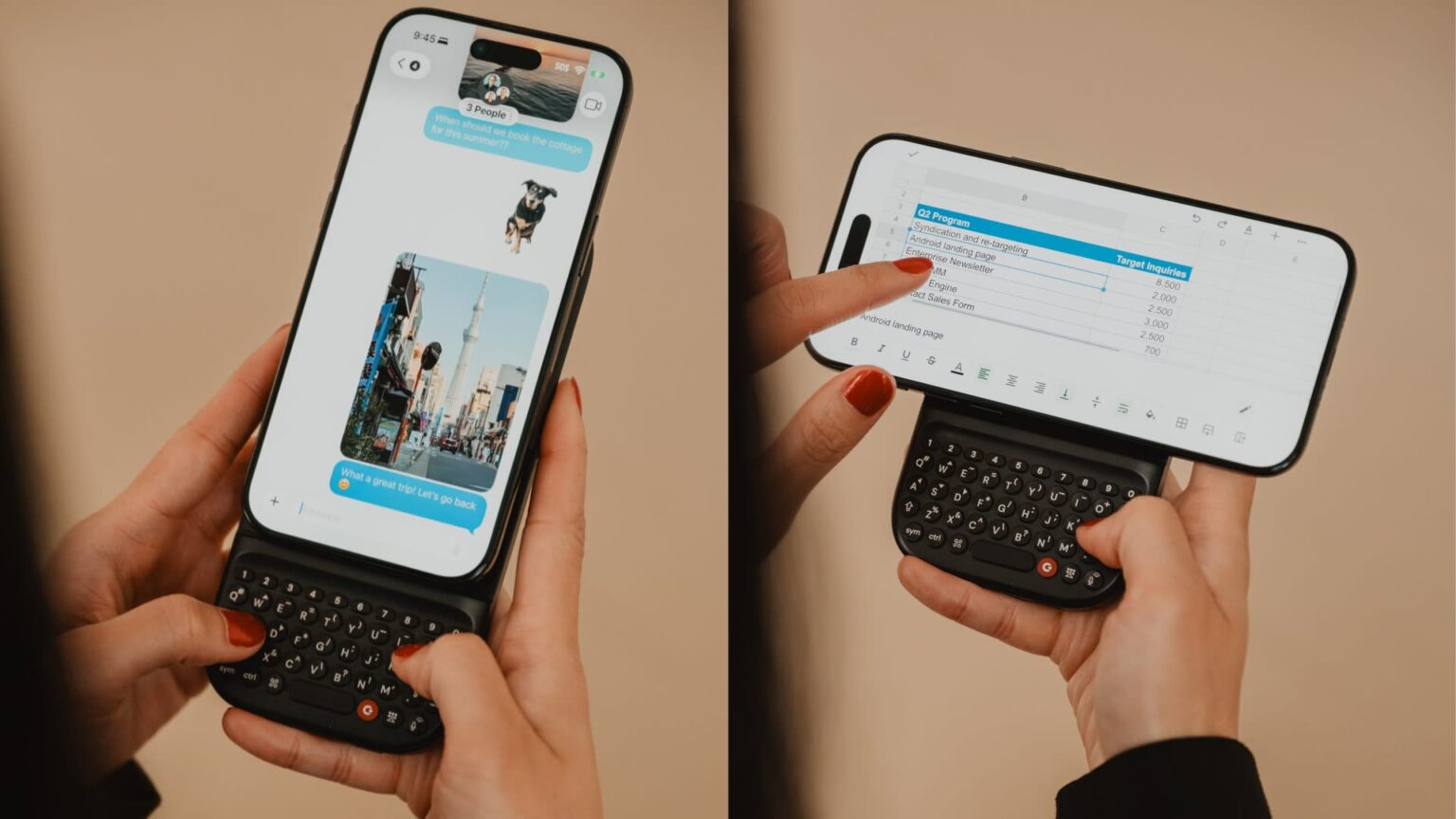
Enter 2026 Key On Modern Keyboard With Glowing Red Backlight Stock Enter Key Modern Keyboard Glowing Red Backlight Ai Generated 369465056 . 2026 Computer Keyboard Stock Of White Modern Computer Keyboard D 412273441 . CATalyst Make The Switch Stenograph L L C KeyboardMap . 2026 Monitor Computer Keyboard Calendar Strip To Help Keep Track Of Il Suuq . Clicks Unveils Its First Smartphone And A Modular Power Keyboard At CES Ces2026 Clicks02 1536x864